Taiwanese Hokkien (Taigi)
Taigi is written in three ways, and MiningCat reads and converts all of them:
| Writing system | Example |
|---|---|
| Hanji (漢字) | 我欲去臺北食飯。 |
| Tâi-lô (the Ministry of Education's romanization) | Guá beh khì Tâi-pak tsia̍h-pn̄g. |
| Pe̍h-ōe-jī (POJ, the church romanization) | Góa beh khì Tâi-pak chia̍h-pn̄g. |
Texts mixing Hanji and romanized words (Hàn-lô) are fine too.
Speech: local engines
Whisper doesn't know Taigi and Edge has no Taigi voice, so Taigi uses other open-source engines, which run on your computer:
| Task | Engine |
|---|---|
| Transcription (Generate subtitles, videos) | Qwen3-ASR (Alibaba, Apache 2.0), which knows Minnan among its Chinese dialects |
| Aligning a book on its audiobook (Standard) | Meta's MMS aligner, on the book's text read as Tâi-lô |
| Speech synthesis (Generate audio, sentence audio of cards) | Meta's MMS-TTS Taigi voice, or OmniVoice (optional, see below) |
Install them once from the pop-up the converter offers when you choose Taigi, from Settings › Voice (Install Taigi's voice (MMS)), or with:
It installs Qwen3-ASR (make install-qwen, which can also replace Whisper for the other languages), then Meta's MMS, only used for Taigi.
Their models are downloaded the first time they're used: about 1.8 GB for Qwen3-ASR 0.6B (4.7 GB for 1.7B), 1.2 GB for the aligner, 140 MB for the voice. An NVIDIA GPU or an Apple Silicon Mac makes transcription much faster, but a CPU works.
Voice
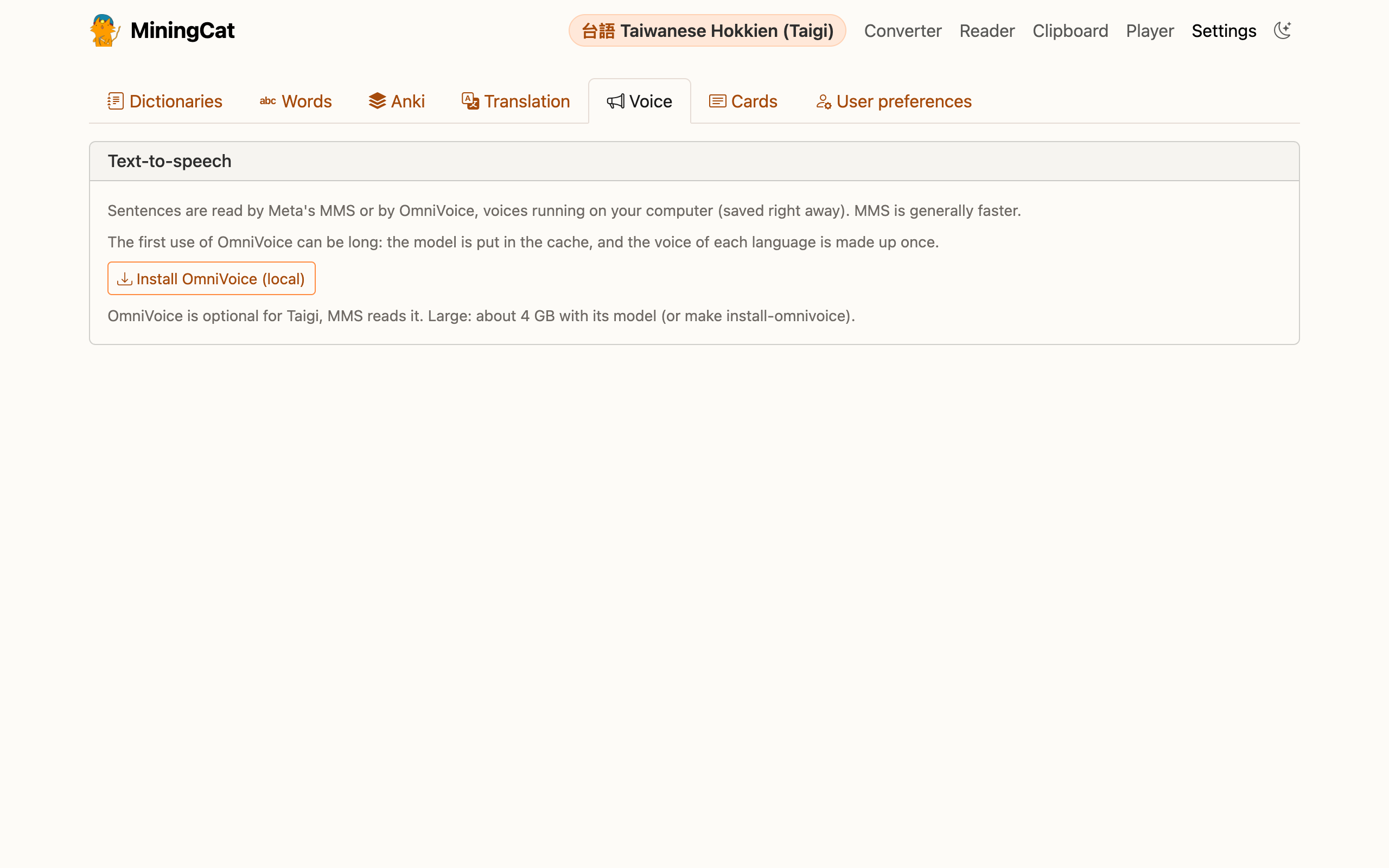
Edge has no Taigi voice, so the edge-tts option of Settings › Voice doesn't apply to Taigi: it isn't shown. Two local voices read the sentences of your cards and the books you generate:
| Voice | |
|---|---|
| MMS (default) | Meta's voice, installed with the engines above. Generally faster, and light (140 MB). |
| OmniVoice | Optional, large (about 4 GB, in its own environment): the same voice engine as the other languages, and a voice made up for Taigi. Slower, especially the first time (the model is put in the cache and the voice is made up once). |
Once OmniVoice is installed (Install OmniVoice in the same tab, or make install-omnivoice), Taigi voice lets you pick one or the other: it's saved right away, and it's the same choice as Voice reading sentences without audio in Settings › Anki. OmniVoice's quality (8, 16 or 32 steps) and Try another Taigi voice also appear then.
Limits
- Qwen3-ASR writes what it hears in Chinese characters, often the Mandarin ones (要 rather than 欲): the subtitles of a video are a help to follow it, not a Hanji transcription to learn from.
- The MMS voice was trained on Bible recordings in POJ: the text is read in POJ, whatever it's written in. Its licence (CC BY-NC 4.0) only allows non-commercial use.
- OmniVoice barely knows Hanji (it was trained on little Taigi) and reads them in Mandarin: here too, the text is converted to POJ before it's read. Its model has a non-commercial licence as well (CC BY-NC 4.0).
In the converter, Precision picks Qwen3-ASR's size: 0.6B (default) or 1.7B (more accurate, slower). On the command line, --model qwen3-0.6b or qwen3-1.7b (Whisper sizes work too: medium, large and turbo use 1.7B).
Converting between Hanji, Tâi-lô and POJ
- Converter: Convert subtitles to writes the subtitles of a book, an audiobook or a video in Hanji, Tâi-lô or POJ. On the command line:
--convert-to hanji|tailo|poj, orpython -m miningcat convert --source nan --target pojfor the files ofoutput/srt/. -
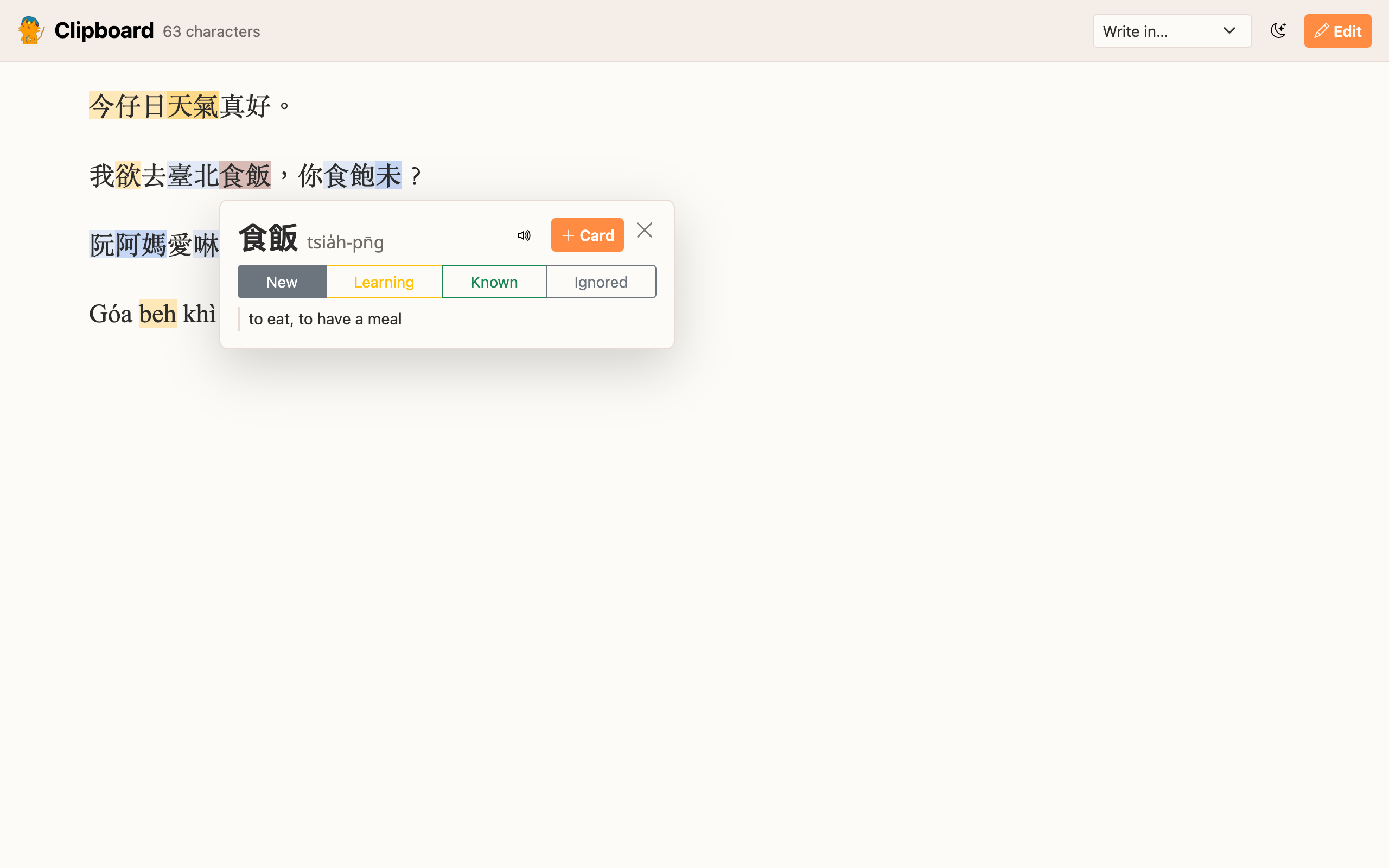
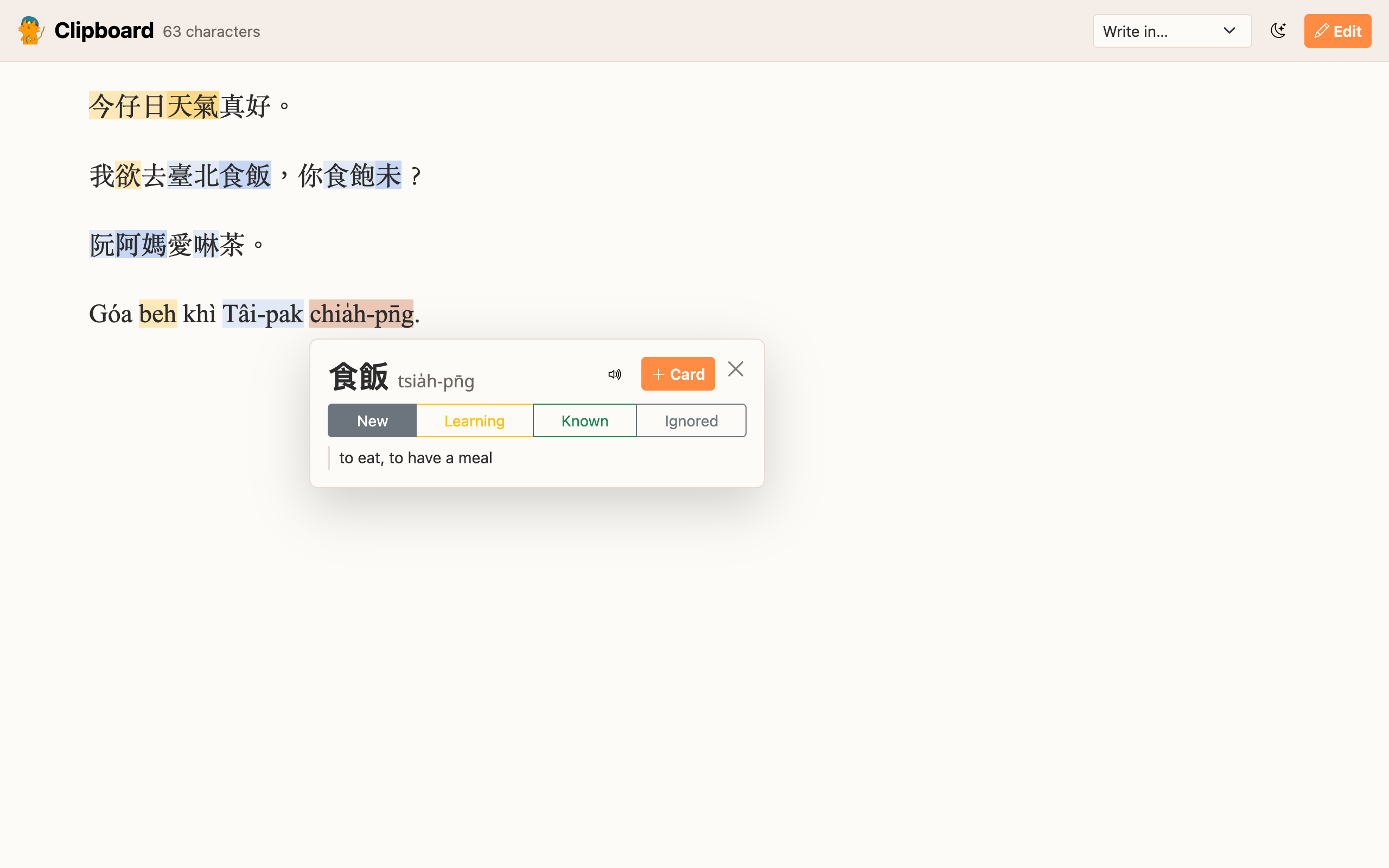
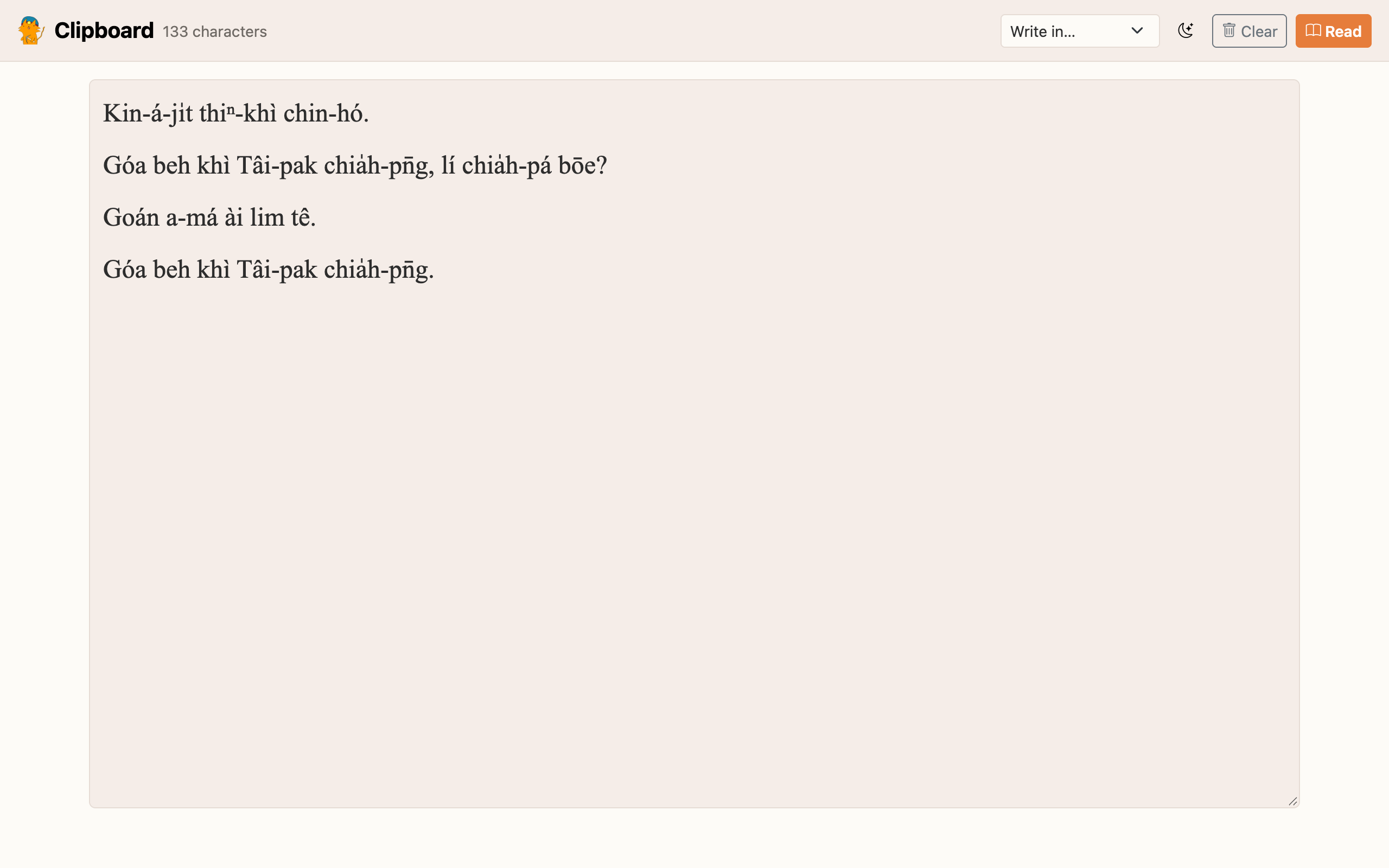
Clipboard: Write in… rewrites the pasted text in the system you pick.
-
Video game / Screen share: the OCR'd text can be converted the same way.
Between the two romanizations, the conversion is exact, syllable by syllable (tone marks or tone numbers, o͘ / oo, ⁿ / nn, ch / ts...). Hanji are read with taibun (the Ministry of Education's dictionary). Writing romanized text in Hanji is a best guess: a pronunciation often has several Hanji, the most common one is chosen, and a syllable without Hanji stays romanized.
Dictionaries and cards
- Taigi dictionaries in Yomitan format are recognized at import from their readings (Tâi-lô or POJ).
- The popup works on Hanji and on romanized text: chia̍h-pn̄g or tsia̍h-pn̄g finds 食飯 in a Hanji dictionary from its reading, and romanized words are coloured by status like Hanji.
- An entry without a reading gets taibun's.
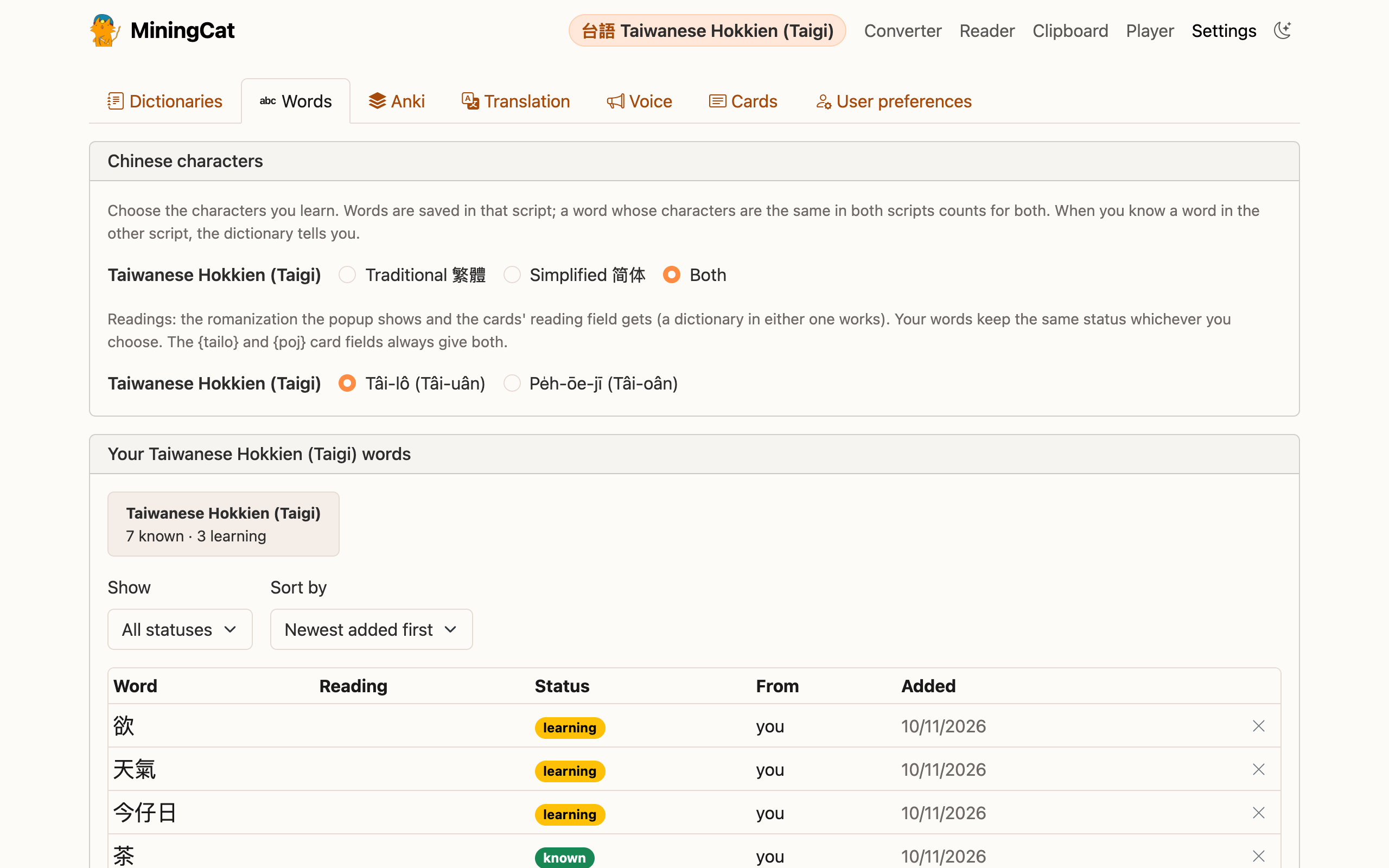
- In Settings › Languages & words, choose the romanization of the popup and of the cards' Reading field: Tâi-lô or Pe̍h-ōe-jī. A word saved in one is the same word in the other.
- Card fields:
{tailo}and{poj}give the reading in each romanization,{word_readings}gives 食飯[tsia̍h-pn̄g], and{sentence_readings}gives the reading of every Hanji word of the sentence.